
Maricopa County VINELink Coverage
Arizona runs a statewide custody-status and notification network called VINE. VINELink is the public web front end. Materials from the Arizona Criminal Justice Commission describe a deployment with direct interfaces to county jail systems. The deployment also reaches the Arizona Department of Corrections, Rehabilitation and Reentry. State reporting lists Maricopa among participating counties. That matters after an MCSO booking. The same record can stay trackable if custody later moves into the state prison system.
Know what the service is not. It is not an arrest-history database, a court docket, or a booking-photo search. It answers whether a matching record sits in a participating custody system. It can also send notice of supported status changes.
Coverage has limits. County jail and ADCRR participation does not reach every municipal holding facility, federal prison, or immigration detention site. A city jail may hold someone briefly, and so may a federal agency. The agency that controls the actual custody is the one to query.
Check a Maricopa Arrest on VINELink
Start at the official Arizona interface, not a commercial copycat. Search with the most exact details you have. A booking or ID number beats a name alone. Buttons and labels shift over time, so follow the controls the screen shows during your search.
- Open VINELink Arizona.
- Select the Arizona custody search and the county or agency option shown.
- Enter the person's exact name or booking or ID number.
- Review possible matches and compare the facility, agency, identifier, and any age field shown.
- Open only the record that matches more than a common name, then note the search time.
An empty result is not the end. Check the spelling first. Try the known booking number too. Intake data takes time to move from ITR into the participating system, so a very recent Maricopa arrest may not appear yet, and Mesa's city holding path, a pre-booking release, a transfer, or a federal hold are all possible; the Maricopa County recent-arrests hub maps those alternatives. The VINELink Arizona search is the primary alert source.
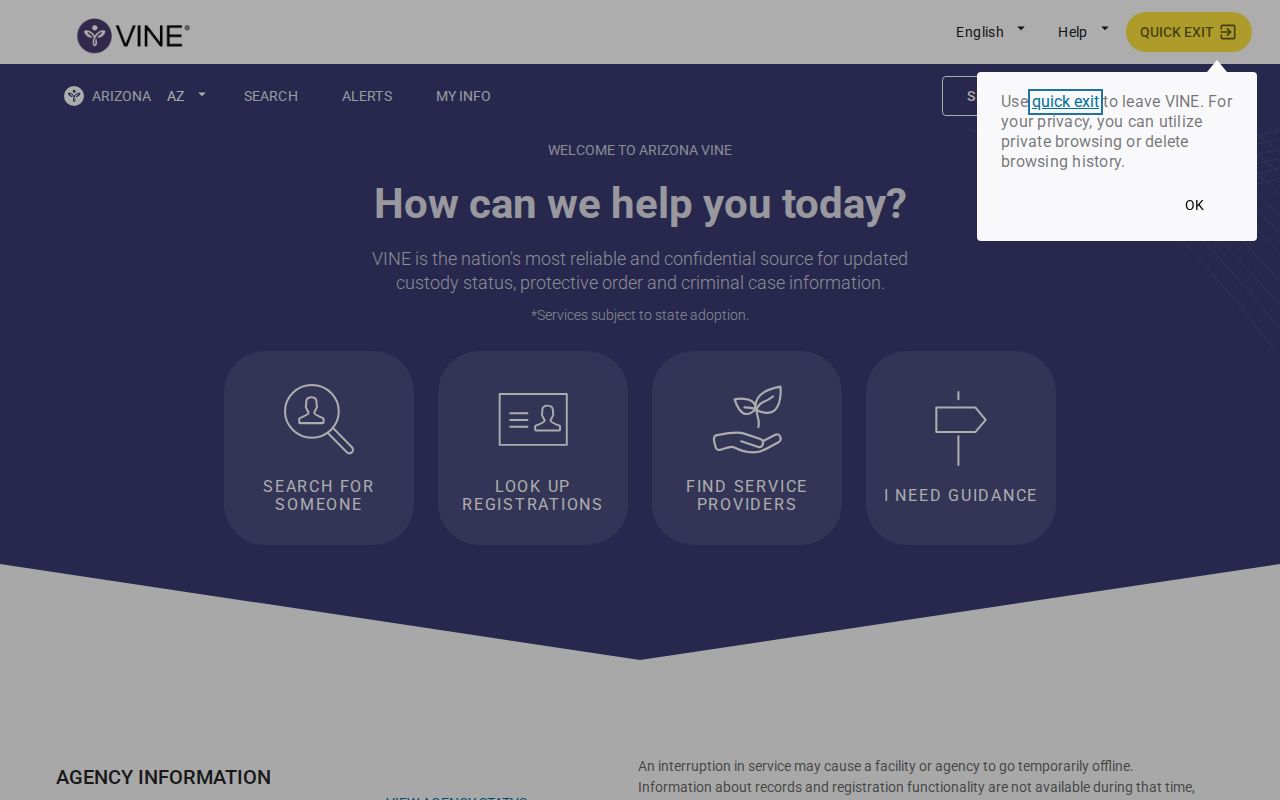
This screen names the official state service. It is not a commercial jail app. Anyone registering for Maricopa alerts should land on this Arizona VINE interface. Third-party copycats exist.
VINELink Fields After an Arrest
Which fields appear depends on the participating agency and the current interface. Expect variation. Read every value as a custody-system entry. None of it forms a complete case record.
| Field or event | Meaning and limit |
|---|---|
| Name | The name attached to the participating custody record. Match other fields. |
| Booking or offender ID | The most useful key for separating similar names. |
| Custody status | A point-in-time statement that can lag a new event. |
| Facility or agency | The reported custodian, which may change after transfer. |
| Release | A custody exit, not a statement about the court outcome. |
| Transfer or return | A movement event supported by the participating data feed. |
VINELink never replaces the MCSO booking record. The sheriff's card holds the visuals. Under current policy it may show a recent booking photo, a booking number, name, charge, watermark, and a policy notice. VINELink stays focused on custody status and notification instead. Need a police report or a full booking file? Go to the agency that made the arrest. Court outcomes live with the court.
Register for Maricopa Custody Alerts
Registration starts from the matching record. From there, the live interface may offer telephone, text, email, or in-app delivery. The available choices and events depend on the record. Use contact details you control, and keep your phone PIN private.
- Select the matching custody record and choose “Get Notified” or the current alert control.
- Choose an offered contact method and enter the requested details.
- For a phone registration, create the four-digit PIN when prompted. It may be required to acknowledge a call.
- Confirm the registration through the method VINELink provides.
- Store the record ID and PIN securely, then remove the alert when it is no longer needed.
Supported alerts include release, transfer, escape, return to custody, or another reported status change. The person in custody never learns who registered. Confidentiality does not guarantee delivery, though. A phone may be off, an email filtered, or agency data late, so never lean on one alert for immediate safety planning.
Confirm Maricopa VINELink Results
For a fresh county arrest, compare VINELink with the 24 Hour Arrests verification path and MCSO's current inmate tools. Call the jail-information line at 602-876-0322 when the web sources disagree or a release is urgent to confirm. Phone menus and numbers can change, so verify them on the official MCSO site.
For a sentenced or transferred state prisoner, check the ADCRR Inmate Data Search. ADCRR is not the ordinary recent-booking roster, and its release dates may change. For federal custody, use the Federal Bureau of Prisons locator. Immigration detention requires the ICE locator. VINELink's lack of a match does not answer those systems.
The official BOP locator shows the separate federal search route.
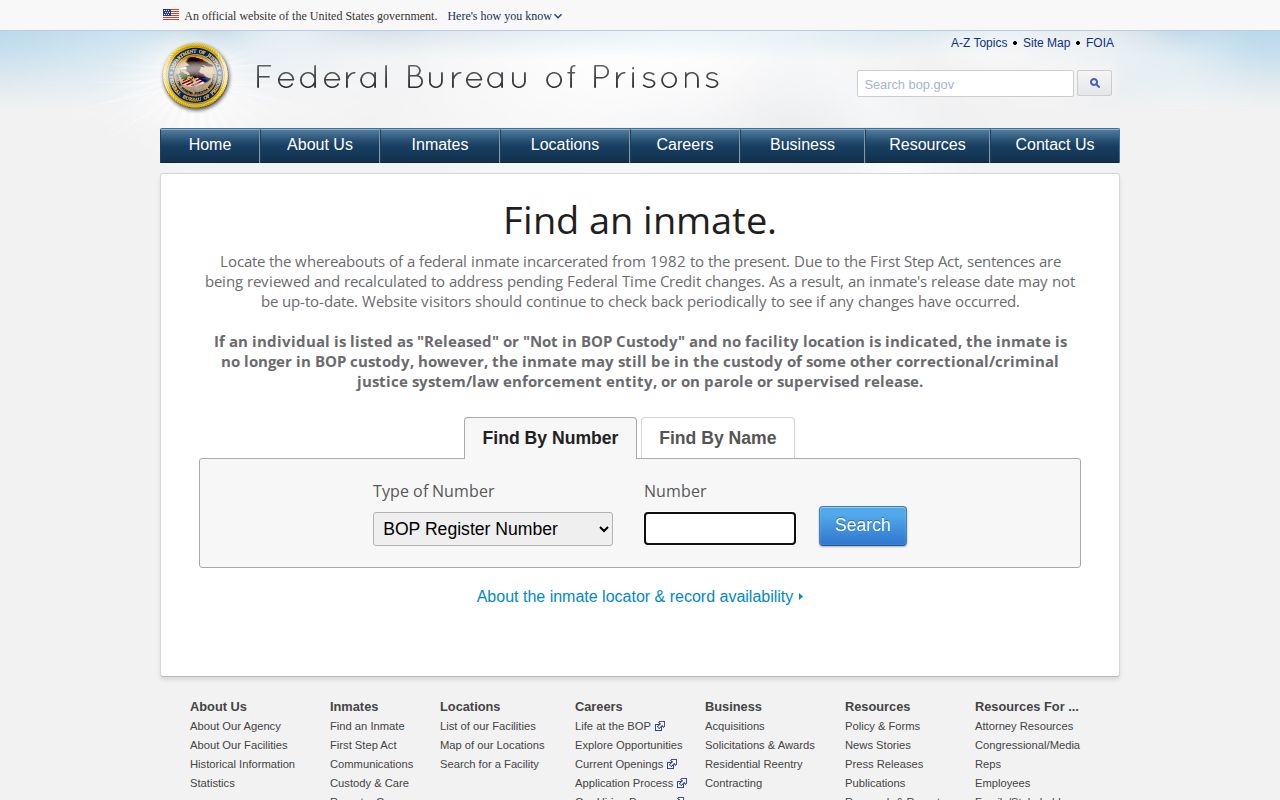
The Bureau of Prisons page handles federal inmates only. It covers people held far outside Maricopa's system. Local bookings never appear here. Think of it as a custody fallback.
Arizona VINE Reached Maricopa
Maricopa's participation is documented, not assumed. The ACJC implementation materials set a May 13, 2022 target for the Maricopa County Jail. September 30, 2022 marked statewide acceptance and go-live. Newer reporting still separates county-jail VINE from the broader Community Victim Notification System some agencies use. That history has a practical payoff. A public MCSO photo card rolls away, yet an alert can keep working. The photo display is a recent publication layer, while VINE registration follows supported custody events. Neither is a permanent arrest history. Neither replaces the court docket.
Use VINELink Alerts Safely
Arizona victim-services pages list 1-866-892-4542 for VINE. An older Mesa source adds alternate and TTY lines. Public numbers and prompts change. Use the number on the current official VINELink interface, not one from memory. Never give a registration PIN to an unexpected caller.
An alert is information, not a guarantee. It promises neither an exact release time nor personal safety, so call 911 in an emergency and lean on local victim services for safety planning. Keep MCSO and court contacts handy in case an automated notice runs late.
MCSO Social Posts Are Not Alerts
In 2025, MCSO's social account announced that its mugshot lookup was back. Useful news. But a tweet is not a custody database. Platforms delay posts, delete them, or bury them in feeds. The sheriff's office lists no standalone app that publishes booking photos on its own. For Maricopa County arrest searches, use the MCSO website. For custody notifications, use VINELink. The official MCSO social account remains a fair place to catch agency announcements.
The account serves one purpose: announcements. It is not a live arrest feed. A booking in Maricopa County may never appear there at all. Read the posts for news, not for a complete custody record.